
When we run SNMP or PingSweep discoveries the subnet which will created will contains only "Used IPs" or let say responded IPs and it will not contain all available IP addresses under the subnet.
In order to have all available IPs under the sunbet we need to create them before running the discovery and selecting the option "Add IPs" from the subnet creation page:
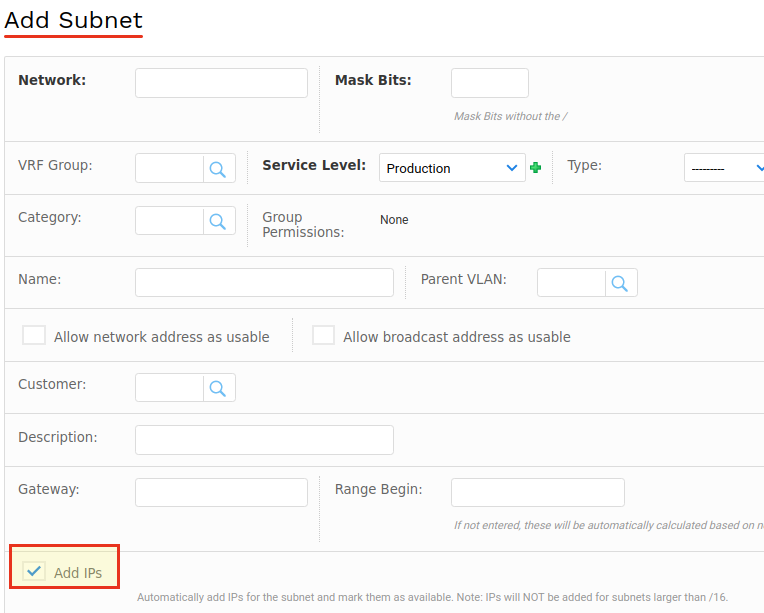
in this case all available IPs will be created automatically in the background (it may take some time depending on the sunbet size).
But in case if we don't want to create any subnet beforehand, and we need to add additional available IPs under the sunbet, this can be done using the Excel spreadsheet bulk upload. Navigate to
Tools > Imports/Exports (xls) then download
Create or update IP addresses > Download Sample Excel File
on this file insert all required IPs and specify the subnet name,

the name is mandatory field in order to create the IPs under the required subnet, mark all of them as available and save, then upload/import the file from the same location mentioned above.

in this way we can add all required IPs on the subnet without deleting them from Device42.


