
When we see this message appeared on Device42 web interface, it means that the number of devices exist on the system exceed the permitted license count, we can check the maximum number of devices which we can have on Device42 under
Tools > Licensing
Any type of devices either discovered or added manually will be counted on the license, to clear this message we can simply delete a couple of unnecessary devices from the system.
It is a good practice also to setup an auto clean rule in order to delete devices which are not updated for a long period of time, we can setup an auto clean rule under:
Tools > Auto Clean Rules
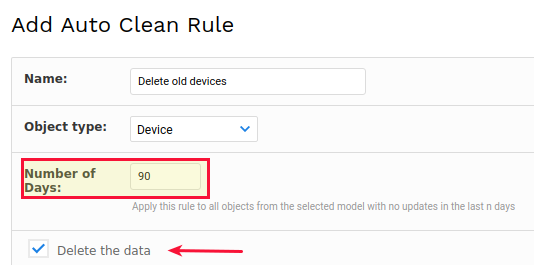
For more information on the auto clean rule, this link can be used Auto Clean
