
To create rooms by Excel bulk import, navigate to:
Tools > Imports/Exports (xls)
then download the following file:
Create rooms > Download Sample Excel File
The two required parameters are:
name which is the room name
building_id or building Building name can be used if unique, and must already exists.
As an example:

Then from the same page upload/import the file:

And here is the result:
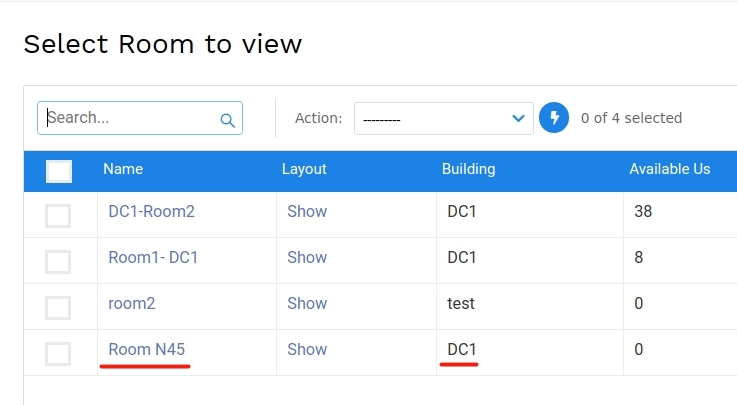
For more information about all fields used on the Excel file you can refer to this link:
https://api.device42.com/#create-or-update-a-room


